
Watching WWE on Netflix in 2026 starts with the right programme for your country, followed by a supported screen and the correct episode. This practical guide walks through finding Raw, choosing live or catch-up playback, setting commentary and subtitles, and handling common errors. Availability and help-page guidance are current to September 8, 2026; always check the dated listing for your next show.
Check the WWE rights for your country and programme
To watch WWE on Netflix, first confirm that Netflix carries the particular programme where you are watching, then sign in and open that programme's page. Raw, SmackDown, NXT and Premium Live Events are separate rights questions. A Netflix account does not, by itself, mean that all four are available live in every country.
Start with WWE's current country-by-country viewing guide and then check the listing inside your own Netflix account. The first identifies the broadcaster; the second shows what your profile and location can actually play. Treat an old search snippet or a launch announcement as a dated reference, especially when it names a service that has since changed.
Also separate three viewing goals: joining tonight's live show, replaying a recent episode, and watching an older event. Those are different catalogue checks. An older WrestleMania appearing in your search results does not establish where the next WrestleMania will stream live. For a broader comparison across services, use our WWE live TV guide.
The United States, Italy and Germany illustrate the difference
In the United States, Raw streams on Netflix, while WWE's current viewing guide sends SmackDown viewers to USA Network, NXT viewers to The CW, and main-roster live Premium Live Events to ESPN Unlimited. Therefore, successfully watching Monday's Raw is not a useful test of whether Friday's SmackDown should appear in the same app.
Italy has a different arrangement. Netflix's April 2026 announcement for Italy includes Raw, SmackDown, NXT and Premium Live Events, with Italian commentary and no additional WWE charge. Germany is another useful counterexample: WWE lists BILD and ProSieben for its weekly programmes. Our Germany viewing guide explains the distinction between those weekly broadcasts and Netflix's Premium Live Events there.
Make the check specific: "Raw, live, from my current country" is a question with a useful answer. "Does Netflix have WWE?" can produce a technically correct answer that still sends you to the wrong screen at bell time.
Find the right Raw episode inside Netflix
Open Netflix on the device you intend to use and select your usual viewing profile. Search for Raw, then choose the WWE programme. You can also open the official Raw title page in a browser. If you start there while signed out, sign in before treating the public page as proof of what your account can play.
Netflix's search and browsing instructions are more dependable than looking for a particular home-screen banner. Recommendations and menu names vary by device. A missing promotional tile does not mean the programme has disappeared; use title search instead of scrolling through unrelated rows.
- Check the programme name. Raw is the weekly show; a documentary or a collection of historic moments serves a different purpose.
- Check the date. Select the intended episode from the available episode list, or the advertised live presentation when it appears.
- Check the playback item. The public Raw page also contains trailers. A one-minute preview is not a shortened version of the full broadcast.
- Save the programme. Add Raw to My List so your next visit starts from a familiar place.
The My List help page explains where the list lives on different screens. On some televisions it is reached through My Netflix; other layouts expose My List directly. Saving the show is a navigation shortcut, not a reservation for a future episode or a guarantee that it remains available while travelling.
For an overnight broadcast, compare the episode with the event's advertised city and date rather than relying only on the word "Monday." A stream can fall on Tuesday in your time zone while still being Monday Night Raw in the United States. If you want last night's episode, explicitly select its date instead of assuming the first large Play button will always start the item you have in mind.
Set up the screen you will actually watch
Do the initial setup on the television, computer or phone you will use for the show. Signing in successfully on a laptop does not finish the job if everyone will gather around a different television. Open the intended app, check the remote, and make sure you can hear commentary clearly without turning the crowd noise uncomfortably loud.
Choose a plan and a device that supports live video
Netflix includes live events with all its plans, subject to the programme being available in your country. There is no separate Netflix WWE ticket to purchase. Compare the local plan options for the picture quality and number of simultaneous screens your household needs; prices and offers should be checked in your own market.
Do not upgrade solely because you expect every live break to disappear. Netflix's advertising guidance says live presentations can contain commercial breaks across plans, and ads cannot be skipped while they play during live events. Equally, a plan's maximum video resolution is not a promise that every WWE feed will be produced and delivered at that resolution.
Check the live-event device requirements, update the app and device software, and use a supported playback route. Older Chromecast models and casting from a Chrome browser are among the unsupported options. The Netflix button on an old remote is not proof of live compatibility.
Set commentary, subtitles and profile permissions
Start playback and open Audio & Subtitles to choose from the languages actually offered. On a computer or mobile device, reveal the controls by clicking or tapping; on many televisions, use the remote's up or down button. Check commentary and subtitles separately: changing the interface language does not establish which commentary track is playing.
Live language choices can be more limited than the later replay. If you are hosting someone who depends on captions, check the specific presentation instead of assuming last week's options will be identical. A short practical test of readable subtitle size and intelligible sound is more useful than discovering the problem during an opening promo.
For a missing show on one profile, the account owner should review maturity settings and blocked titles. Netflix can hide programmes that exceed a profile's permitted rating or have been individually blocked. Keep family viewing preferences intact and use an appropriately configured profile; buying a more expensive plan will not resolve that setting.
Check the advertised start and choose how to join
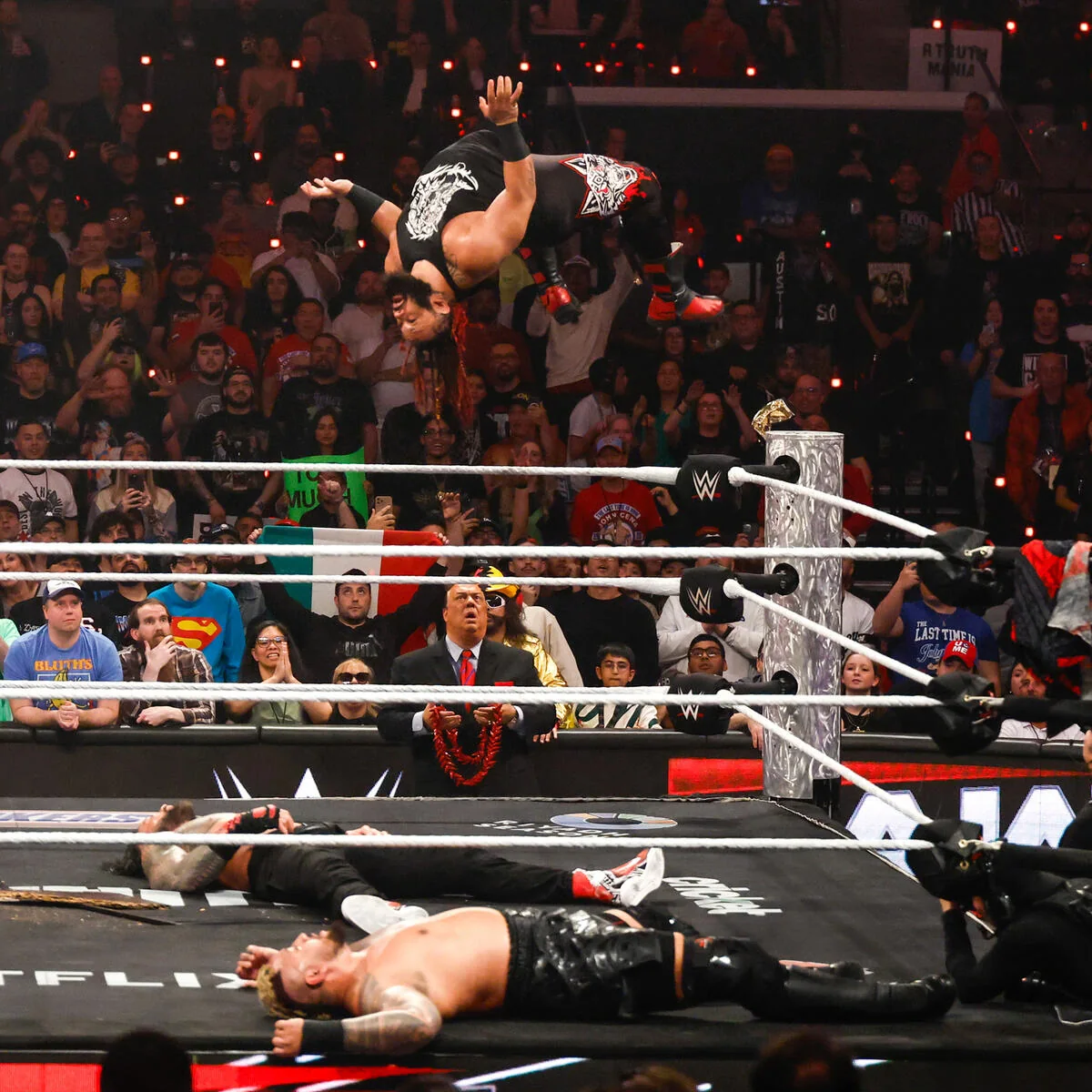
Raw's regular Netflix slot is Monday at 8 p.m. Eastern / 5 p.m. Pacific, as Netflix confirms in its one-year WWE update. Use that as the normal pattern, then check the dated listing for the episode you want. International tours and special presentations can move the broadcast well away from the usual evening slot.
For example, Netflix advertised the June 8, 2026 Raw from Paris for 2 p.m. Eastern / 11 a.m. Pacific. That is a historical illustration of a six-hour change, not the start time for tonight's show. It also demonstrates why an old recurring phone reminder can miss the opening even when it says "Raw every Monday."
Record the broadcast start in your local calendar, including the correct calendar date for overnight viewing. If you are checking a venue page as well, keep doors and the in-arena event time separate from Netflix's transmission time. For weekly planning, compare the WWE schedule with the programme listing before settling in.
A start time does not establish a precise finish. Netflix describes Raw as a two-plus-hour show whose runtime can vary. If you need to stop at a particular hour, plan to finish later rather than building your evening around an assumed exact final bell.
Watch from the beginning or jump to live
Netflix's live player supports starting from the beginning, pausing, rewinding and jumping to the live point. If you arrive late, choose deliberately: restarting preserves the opening story, while joining live puts you near the action your friends are discussing. These options solve different problems, and neither makes the other unnecessary.
For a spoiler-sensitive catch-up, keep results notifications and group chats closed until you finish. For a watch party, agree on whether everyone is at the live point before discussing a finish. If you pause to answer the door, remember that the broadcast continues; returning to playback and jumping forward are different choices. Do not assume every commercial segment will be skippable while catching up.
Find replays without confusing them with the archive
For a recent Raw replay, return to the programme page and choose the episode by date. Netflix's WWE viewing explainer says episodes are available after the live broadcast. That is the normal replay route, but it should not be stretched into a guarantee that every device, language and country will receive an identical version at the same minute.
Devices that cannot handle the live presentation can require a later on-demand version, and additional language options can arrive after the event. Netflix's language-availability guidance also explains why one episode can offer options another does not. Before assuming the replay has been removed, check the date, profile and language choice, then try a supported screen.
The older WWE library is a separate destination. In its January 6, 2026 announcement, WWE identified Netflix as the US home for its Premium Live Event library from before September 2025, alongside documentaries, original programmes and past Raw episodes. That archive announcement does not transfer the US live rights for every new Premium Live Event.
Search for an older event with its year, then verify the edition and, where relevant, the night. "SummerSlam" alone is an imprecise choice when your goal is one particular match from a particular year. The same principle applies to a long-running weekly show: a collection of highlights, a documentary about a feud and the original episode are different ways of revisiting it.
For offline viewing, look for the Download option on the eligible episode in a supported Netflix app. Follow Netflix's offline download instructions, wait for completion, and check the item in Downloads before leaving your connection. Not every title is downloadable, downloads expire, and the downloaded copy belongs to the device used to save it.
That makes downloading useful for a later commute or flight, rather than a substitute for joining a broadcast that has not happened yet. Prepare the exact episode you want, check the language you need, and leave yourself enough time to discover whether that particular item is eligible.
Fix the problem that matches your screen
Read the message before changing anything. A programme that never appears in search, an unsupported television and an interrupted live feed need different responses. Keep the exact error code, device name and episode date handy so that each troubleshooting step answers a specific question.
A missing title is different from a failed stream
If Raw is absent from search, revisit the country and programme check, then the profile settings. Netflix's missing-title guide lists regional rights, release timing, language, maturity restrictions and VPN use among the possible explanations. A subscription upgrade is not the first step for any of those questions.
If the correct programme appears but playback fails, record the playback message instead. As a practical comparison, try the same episode on another supported device already available to you. A successful second screen narrows the issue toward your original setup; it does not prove that every other viewer is having the same experience.
Handle E125, E128 and temporary live delays
Scroll horizontally if the table extends beyond your screen.
| What you see | What to do next |
|---|---|
| E125: device does not support livestreaming | Use a device with live support. Playing ordinary Netflix films on this device does not establish that it can play the live event. |
| E128: live event unavailable to join | Wait briefly and try joining again. If it persists, check the replay later. |
| A message asking you to wait while the stream resumes | Allow the live player to continue while Netflix resolves the temporary delay. |
These are separate instructions in Netflix's help pages for E125, E128 and temporary live delays. For the last message, Netflix says playback resumes automatically once its issue is cleared. Repeatedly reinstalling the app is not the action that message asks you to take.
For a different error, search the exact code in Netflix Help or contact support with your device, app version and the point where playback failed. Describe whether you could open the episode, whether any video started and whether another screen worked. That is more actionable than reporting only that "WWE is broken."
Turn off a VPN and keep a practical backup
Netflix explicitly says VPNs are not supported for live events. A VPN can also change which titles you see, so it is not a dependable way to unlock another country's WWE broadcast. Check whether a VPN is active on the device or network, including one bundled with other software, and follow its provider's instructions to turn it off.
Before the next show, prepare a supported second screen you can actually use, with the correct account and programme ready. If live playback cannot be restored, return to the dated episode for its available replay. The useful routine is consistent: confirm the rights, open the right episode, check the time and screen, then respond to the message you receive.
Join the discussion
Comments